
Templates
Classroom Whiteboard Templates
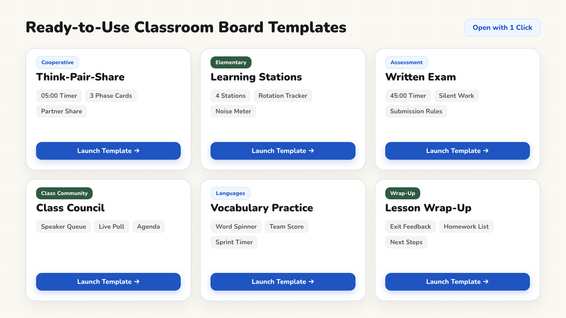
Twelve interactive teaching routines designed for digital classroom screens, organized across six pedagogical categories. Open any template in your browser and adapt it live with your students.
Classroom Management
2 Templates
Rules, roles, and community norms that establish a positive classroom culture.
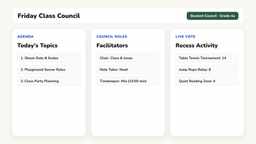
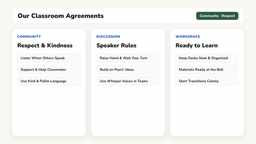
A template is a pre-arranged digital whiteboard layout: timers, text instructions, and student cues are placed on screen before students enter the classroom. Customize any text box or timer to suit your lesson plan. To explore every tool included in these routines, browse our overview of all teacher tools.
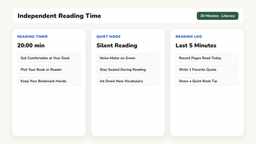
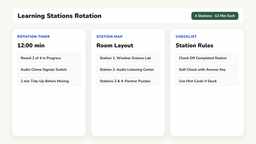
Eight of the twelve templates are designed with special education and inclusion in mind; grade-level suitability is noted on every card. For minimal sensory distraction and predictable structure, teachers rely on our Independent Reading template and the Station Rotation template, which can be streamlined to three visual stations. Learn more on our page for Special Education.
All twelve templates are free to use with all features. Optional Premium costs $2.49 per month, with the first month free, and preserves custom layouts across your devices. Student teachers receive permanently free Premium with verification. Full pricing details are available on our Pricing page.
Morning Routines
1 Templates
Predictable daily procedures that start the school day with calm focus.
Lesson Structure & Methods
6 Templates
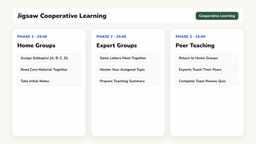
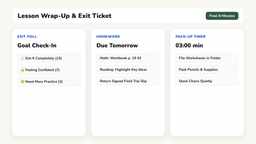
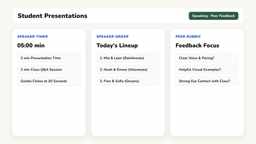
From inquiry openers to lesson wrap-ups, with clear timers and collaboration cues.
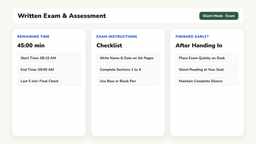
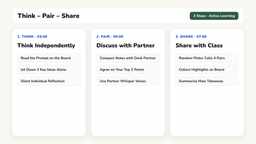
Subject Areas
2 Templates
Interactive board activities for reading, math talks, and vocabulary.
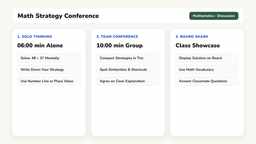
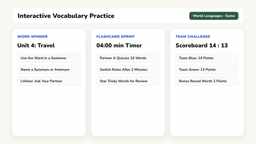
Seasonal & Holidays
1 Templates
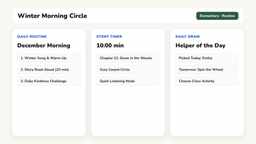
Winter morning greetings, holiday countdowns, and community celebrations.
Start with a Blank Whiteboard
You do not need a template to begin teaching: launching a fresh digital whiteboard takes one click, and you can drag any widget wherever you need it. Discover how to organize class periods in our guide to lesson phases, or explore collaborative routines in our article on managing group work.
Open Whiteboard