
Lesson Closure
Synthesis, exit ticket, and preview
For Student Teachers & Interns
Lesson observations require structured clarity. ClassHelper displays learning phases, timers, and social forms on your classroom screen. No registration needed, and permanently free for student teachers with verification.
Open Whiteboard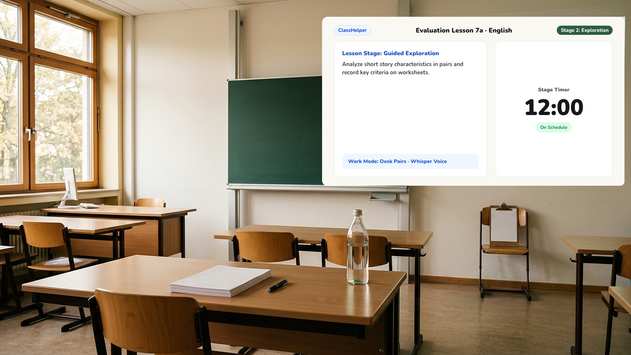
During formal evaluations and practicum visits, observers assess visible classroom organization. A screen that clearly states the active phase relieves you from having to repeatedly narrate the process.
The Work Phase tool clarifies instantly whether students are working independently, in pairs, or collaboratively.
The timer keeps your lesson plan strictly on schedule, even when observation nerves tempt you to rush or linger.
The daily schedule provides a visible roadmap matching the lesson plan submitted to your university supervisor.
Every tool opens directly in your browser on your classroom screen, with no sign-up required.
The first five minutes set the tone for your evaluation. A clear screen displaying your learning objective and initial task is ready before students even take their seats. Type your directions with Text and outline the lesson with the Daily Schedule.
Your written lesson plan outlines exact minutes, but real classroom pacing can drift. The Timer keeps active phases visible while the Work Phase tool establishes norms, saving you from verbal interruptions in front of your supervisor.
Under time pressure, lesson synthesis is often cut short. A prepared board layout keeps it focused: two key takeaways and an exit ticket. When you need instant feedback, run a quick Poll instead of rushed hand-raising.
Student teachers and education majors receive ClassHelper Premium permanently free throughout their training. The basic whiteboard is already free for everyone with all tools and templates included. Verification simply unlocks multi-device folder sync, department sharing, and cloud backup.
Submit verification during your free trial month
Your first month of Premium is completely free for everyone with no credit card required. Submit your verification during this trial period, and your account will continue without interruption through graduation.
Create a free account using your university or school district email address. Your complimentary first month starts immediately with no payment info needed.
Submit proof of your student teacher or practicum status, such as a university enrollment verification, seminar assignment letter, or school mentor note.
We upgrade your account to Premium for the entire duration of your teacher preparation program at zero cost and with no automatic renewal.
Learn more about accepted documents on our Student Teacher Verification help page, or see how subscription upgrades work under Upgrading to Premium. Standard school pricing is detailed on our Pricing page.
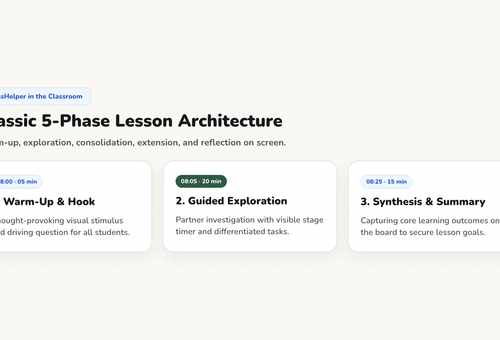
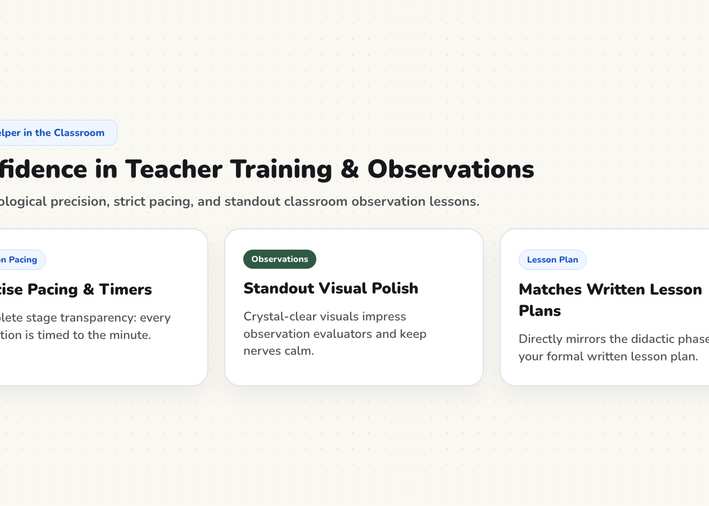
Templates already carry structured phases and pacing timers so you only need to insert your lesson content.
Synthesis, exit ticket, and preview
Structured collaborative pacing
Learning stations with checklist
Teacher Training
What to prepare during the week leading up to your visit and what you can safely omit.
Teacher Training
From lesson planning to the post-observation conference, highlighting common pitfalls.
Teacher Training
Structure, objectives, and realistic timing that holds up during live teaching.
Yes. ClassHelper is completely free with all tools and templates unlocked, no registration, and no time limits. Premium normally costs $2.49 per month, but student teachers receive it permanently free upon verification. The first month is free for all users with no credit card required.
Any official document verifying your enrollment in a teacher credential, practicum, or student teaching program: university enrollment letters, student ID cards, or placement agreements from your host school. Upload it through our contact page during your free trial.
Your verification document is reviewed solely to grant access and is promptly deleted; your classroom board configurations always stay stored locally in your browser. We use Stripe Payments Europe (Dublin, Ireland) to process payments. Only billing data goes there, never student or lesson data.
Yes. ClassHelper runs instantly in any standard browser and requires no software downloads, so school classroom computers can run it immediately without IT approval.
Find complete pricing information on our Pricing page, and review our privacy practices under Privacy Policy. School-wide licenses are detailed under ClassHelper for Schools.
The classroom tools remain the same across every grade level. What differs are the teaching methods and daily classroom routines they support.
First time using ClassHelper? Our digital whiteboard overview explains how ClassHelper supports daily classroom teaching, what features are included, and how data stays private.
One click, no sign-up, right in your browser.
Open Whiteboard