
Think-Pair-Share
Three collaborative stages with timers
For Middle & High School
Group generator, visual timer, quick polls, and scoreboards keep secondary classrooms engaged and organized. Run engaging activities directly in your browser with no account needed, hosted on secure servers in Germany (EU).
Open Whiteboard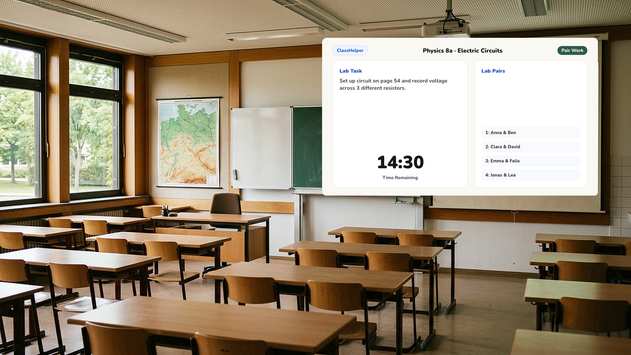
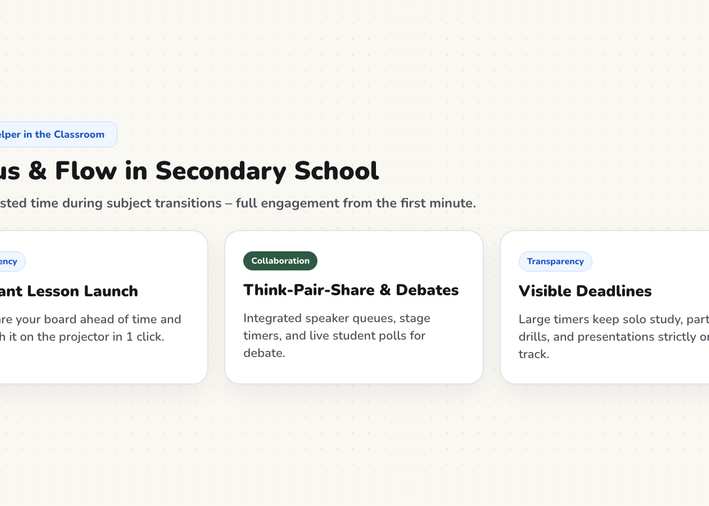
In larger classrooms, smooth transitions make or break a lesson. Displaying groups, timers, and instructions simultaneously saves valuable teaching time.
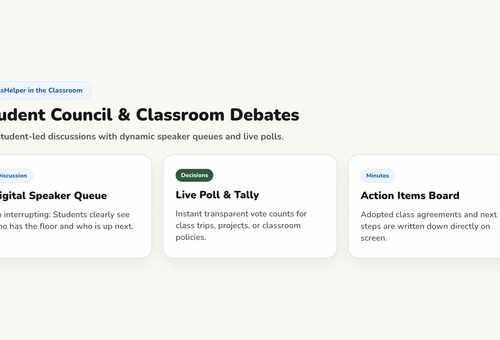
Generate random student teams on screen before discussions or complaints about group assignments even start.
The visual timer shows students exactly how much working time remains, triggering natural cleanup without repetitive reminders.
Gather anonymous student feedback and survey responses quickly without putting anyone on the spot.
Every tool opens directly in your browser on your classroom screen, with no sign-up required.
Letting students self-select groups wastes time and reinforces social silos. The Group Generator mixes teams instantly on your screen for everyone to see. Follow up by organizing desk arrangements with the Seating Chart.
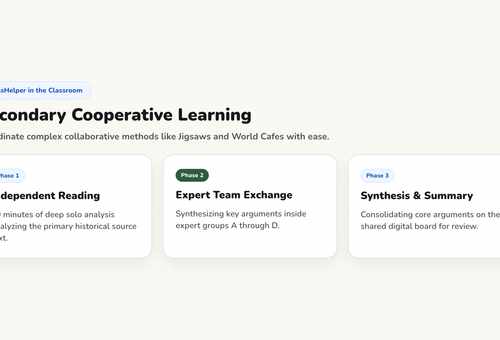
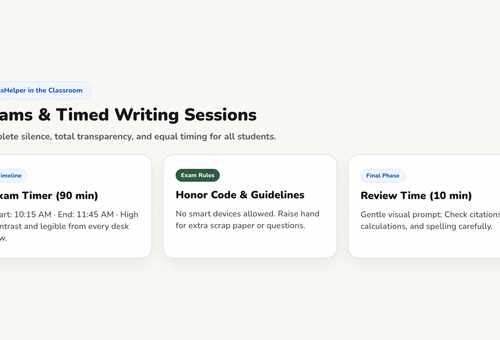
Three structured phases need precise timing. The Timer tracks each segment visibly while the Work Phase tool defines the active social setting. Students instantly know whether to work alone, in pairs, or in plenum.
A clean QR Code on the board directs students directly to a reading assignment, quiz, or video. Teachers avoid stacks of paper printouts and eliminate questions about missing handouts.
Every template includes structured steps, timers, and active tools that you can customize in seconds without signing up.
Three collaborative stages with timers
Home teams and expert groups
Learning stations with checklist
Methods
Grouping strategies, pacing timers, and collecting results in block periods.
Methods
When solo work works, when group collaboration thrives, and how to transition.
Methods
Warm-up, guided practice, and synthesis: what students need to see on screen.
ClassHelper is completely free to use: all tools and templates are unlocked, with no registration and no time limits. Premium costs $2.49 per month and adds multi-device folder sync, department sharing, and daily backups; your first month is free with no credit card required. For student teachers, Premium is permanently free with verification, and school licenses cost $1.49 per teacher and month after a 6-month free trial.
Student rosters, group assignments, and whiteboard layouts remain entirely inside your browser cache. We use Stripe Payments Europe (Dublin, Ireland) to process payments. Only billing data goes there, never student or lesson data.
Yes. You can save distinct rosters for each class period and switch between them at the start of each bell. Rosters reside locally on your device or sync securely across computers with Premium.
ClassHelper is optimized for front-of-class projection, but it runs in any web browser on interactive displays, tablets, or laptops whenever students lead discussions.
Find complete pricing information on our Pricing page, and review our privacy practices under Privacy Policy. School-wide licenses are detailed under ClassHelper for Schools.
The classroom tools remain the same across every grade level. What differs are the teaching methods and daily classroom routines they support.
First time using ClassHelper? Our digital whiteboard overview explains how ClassHelper supports daily classroom teaching, what features are included, and how data stays private.
One click, no sign-up, right in your browser.
Open Whiteboard