
Classroom Clock
The analog and digital classroom clock for daily schedules and time-telling practice
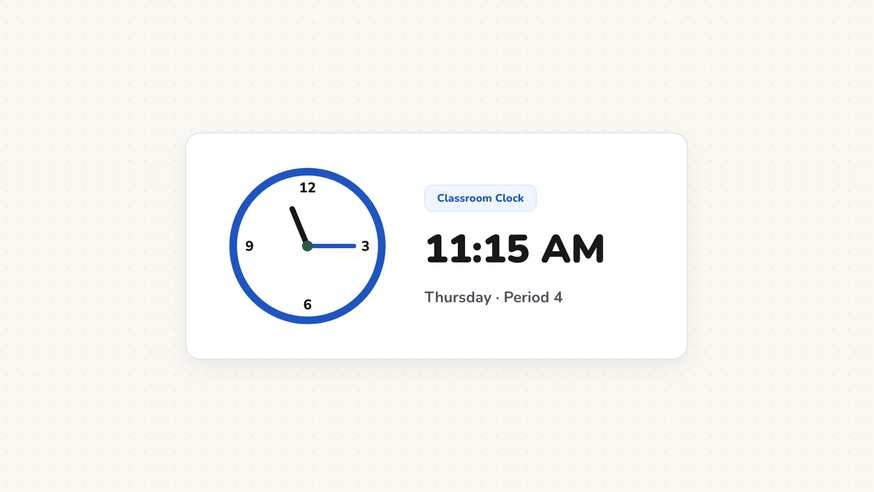
Many modern classrooms lack a reliable wall clock, yet time awareness remains a foundational school skill. The classroom clock provides a clear, synchronized display on your board, featuring both traditional analog hands and digital numerals to support elementary time-telling lessons and daily lesson transitions.
“Classroom Clock” is a tool by ClassHelper, the free digital whiteboard for teachers. It runs directly in your browser with no account required and servers in Germany.
Uhr und Lernuhr online nutzen
Zeigt die aktuelle Uhrzeit, bietet eine didaktische Lernuhr zum Einstellen von Zeiten oder zeigt das heutige Datum an.
12:00:00
Mittwoch
14. Oktober 2026
How the Classroom Clock works
The classroom clock brings an accurate, readable timepiece to your digital board, resolving the common challenge of broken or missing wall clocks. By displaying synchronized analog and digital faces with high-contrast dials, it serves as both an everyday classroom utility and an interactive math learning resource.
Step by step
- Access your ClassHelper digital board and select the Clock tool from the bottom menu.
- Choose your preferred display style: classic analog clock face, modern digital numerals, or dual display.
- Toggle the second hand on or off depending on whether you want dynamic movement or a calm display.
- Scale the widget to fit your board layout, from a compact corner timepiece to a full-screen demonstration dial.
- Reference the clock throughout the morning to reinforce student awareness of schedule transitions and lesson pacing.
Using Classroom Clock in the classroom
Time-Telling Instruction and Practice. In primary mathematics units, display both analog and digital dials side by side. Ask pupils to observe how the minute hand completes a full rotation while the hour hand advances by one increment.
Daily Schedule Awareness and Transitions. Keep the clock widget pinned in the upper corner of your morning message board. Students learn to anticipate lunch periods, recess bells, and subject changes by checking the board independently.
Standardized Testing and Examination Blocks. Expand the clock across the main screen during testing sessions. A reliable, clear time display ensures every student can pace their exam work fairly without needing personal wristwatches.
Morning Circle Time and Opening Routines. Integrate time-telling into your daily opening routine. Have your calendar helper state the day’s date while reading the current time aloud to build essential real-world math literacy.
Frequently asked questions about Classroom Clock
Is this classroom clock widget completely free?
Yes, the interactive classroom clock is available free of charge in your web browser with no registration or commercial promotions. Premium options for saving complex whiteboard configurations across screens start at $2.49 per month, with a thirty-day free trial.
How does the clock determine the current time, and are records stored?
The widget syncs with your local operating system time and requires no external time tracking services. No personal records or hardware identifiers are collected. We use Stripe Payments Europe (Dublin, Ireland) to process payments. Only billing data goes there, never student or lesson data.
Can this clock be used as an instructional teaching clock?
Yes, the clock features distinct colored hands for hours and minutes along with clearly numbered tick marks, making it an excellent visual demonstration aid when teaching children how to read analog clock faces.
Can I show both analog and digital time simultaneously?
Teachers can display the analog face alone, the digital numerals alone, or both formats side by side. Showing both side by side helps students connect traditional clock hands with numerical digital notation.
Can the second hand be hidden to minimize visual distractions?
Yes, you can toggle the sweeping second hand on or off. Turning off the second hand creates a calm, motionless display that reduces distractions during quiet test periods.
How student and classroom data is protected is detailed in our ClassHelper privacy policy.