
Noise meter
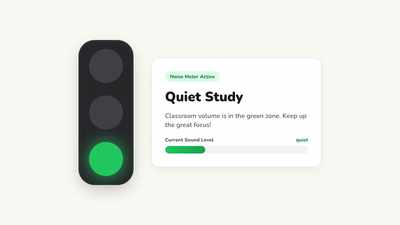
Classroom noise meter: visual volume feedback so students regulate their sound level without constant reminders.
ClassHelper is the free classroom whiteboard for teachers: noise meter, visual timer, random name picker, seating chart, and 35 tools for your projector or interactive display. Zero sign-up, hosted on European servers in Germany.
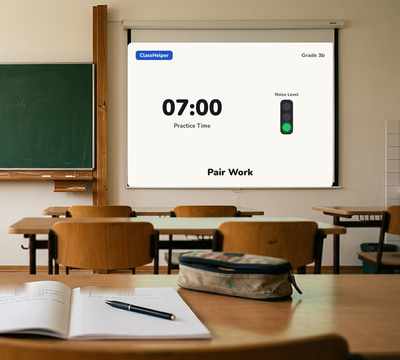
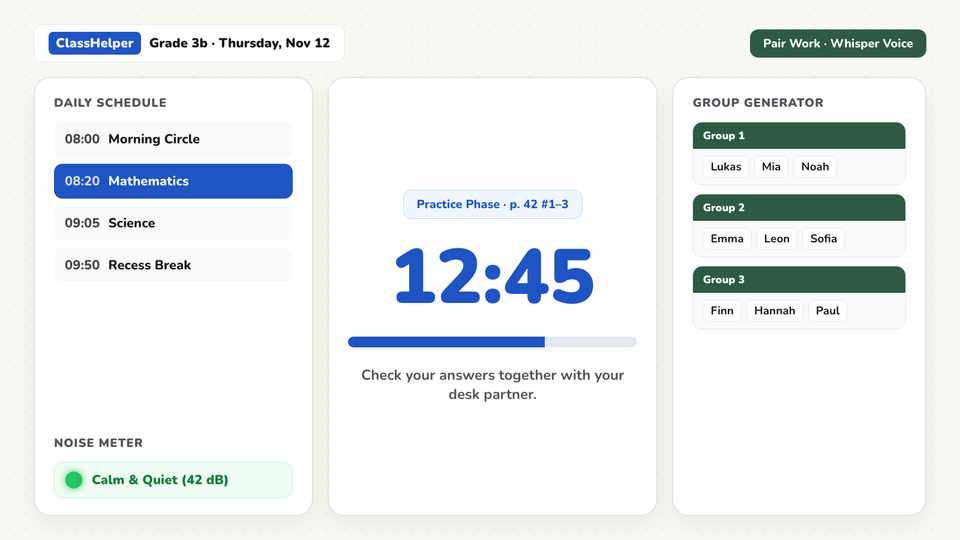
You open ClassHelper and immediately see a clean digital workspace. No account, no sign-in dialog, and no template gallery to close before starting.
Classroom noise meter: visual volume feedback so students regulate their sound level without constant reminders.
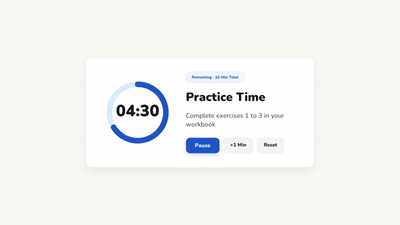
Visual countdown timer: shows remaining time for independent work phases and lesson transitions clearly on screen.
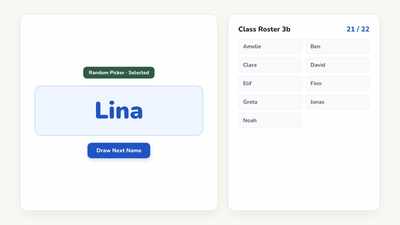
Fair student picker: selects names randomly from your class roster without favoritism or arguments.
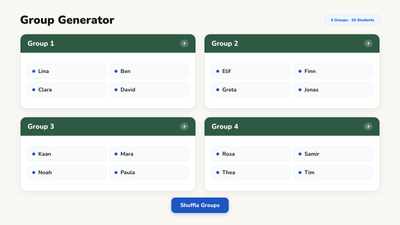
Team creator: divides your class into balanced working groups by team size or total number of teams.
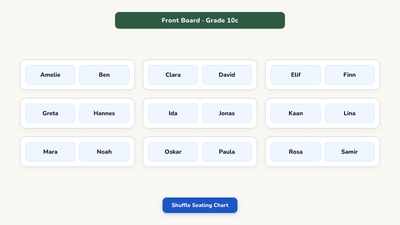
Desk layout organizer: arranges student seating arrangements directly on screen to match your room layout.
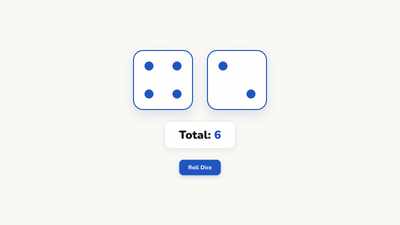
Interactive dice: roll one or multiple dice on screen for math games, probability exercises, and random classroom choices.
Every tool is optimized for touch displays, interactive screens, and classroom projectors. Teachers looking for a modern alternative to Classroomscreen can read our objective breakdown on our Classroomscreen alternative comparison page.
Explore all 35 toolsFrom morning arrival to lesson transitions and independent tasks, ClassHelper provides clear visual structure for your entire school day.
Welcome students with the date, classroom duties, daily schedule, and warm-up prompts ready on the board as they walk in.
Pair a visual countdown timer with the noise meter so students stay on task and monitor their own volume independently.
Divide students into working groups with the random generator and display timed task milestones directly on the wall.
Engage every learner fairly using the random name picker, dice roller, and polling tools for active classroom discussions.
Stored exclusively on secure infrastructure in Germany. Student rosters and lesson arrangements remain in your browser on that device.
We use Stripe Payments Europe (Dublin, Ireland) to process payments. Only billing data goes there, never student or lesson data.
ClassHelper is a digital whiteboard for teachers that runs in any modern browser and is displayed on classroom projectors, screens, or interactive panels. Across one unified screen, educators access 35 dedicated classroom tools including visual timers, noise meters, random name pickers, group generators, and seating charts. It opens immediately with zero installation and without requiring an account.
Yes. ClassHelper includes all 35 tools, customizable boards, and unlimited rosters completely free with no time limits. Optional Premium is $2.49 per month and adds automated multi-device cloud synchronization across your classroom panel, school laptop, and home computer. Every account includes a 30-day free trial without a credit card.
All web application services are hosted on certified German server infrastructure in Frankfurt. When using the whiteboard without an account, student rosters and lesson layouts remain strictly within your local browser storage. We load zero behavioral tracking cookies or third-party ad networks. We use Stripe Payments Europe (Dublin, Ireland) to process payments. Only billing data goes there, never student or lesson data. Schools receive a comprehensive Data Processing Agreement upon request.
ClassHelper includes all 35 classroom tools in the free tier with unlimited saved boards, whereas Classroomscreen limits free users to basic widgets and 3 name lists. ClassHelper offers flexible monthly pricing ($2.49 per month) instead of requiring an annual commitment, and provides transparent European server hosting in Germany.
Yes. One click opens a clean classroom whiteboard immediately, without signing up, without giving an email address, and without cookie banners. Everything you create is saved directly in your browser on that device and remains available when you return.
ClassHelper is free with all 35 classroom tools included, zero ads, and no account required. Teachers who want automatic board synchronization across multiple classroom devices can choose Premium for $2.49 per month, with a 30-day free trial and no credit card required. Schools can deploy institutional licensing starting at $1.49 per teacher and month.
View all pricing optionsOne click, no sign-up, right in your browser.
Open Whiteboard