
Classroom Rules
Establish and display community norms
For Elementary School
Daily schedules, classroom jobs, and noise meters run directly in your browser on your existing projector or screen. No sign-up, no extra hardware, and hosted on secure servers in Germany (EU). Help young learners see their school day clearly.
Open Whiteboard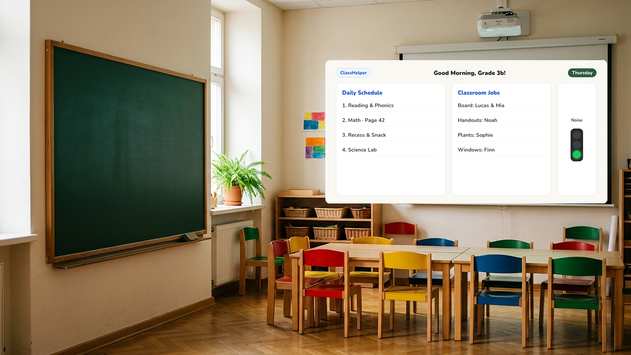
Elementary teaching thrives on clear, predictable routines. ClassHelper displays these structures clearly so every student can follow along from anywhere in the classroom.
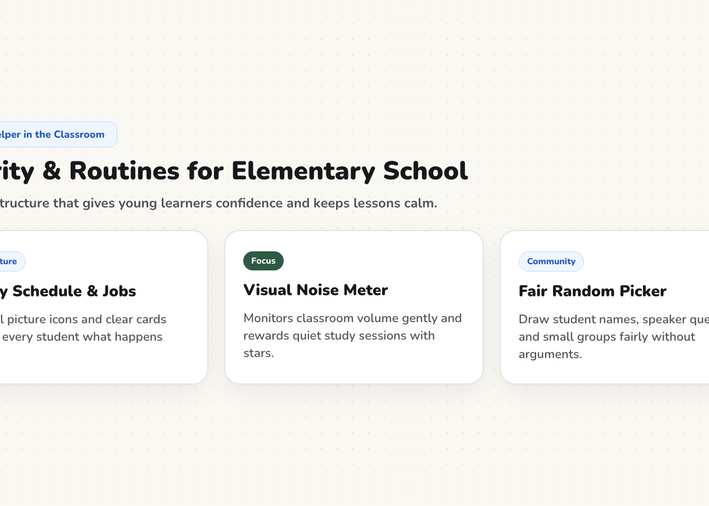
The daily schedule stays clearly visible from the morning bell onward and gets checked off step by step.
The noise meter visualizes classroom volume using simple colors. Students regulate themselves without constant teacher interruptions.
The random name picker selects students fairly. No hands raised in vain, and no child gets left out.
Every tool opens directly in your browser on your classroom screen, with no sign-up required.
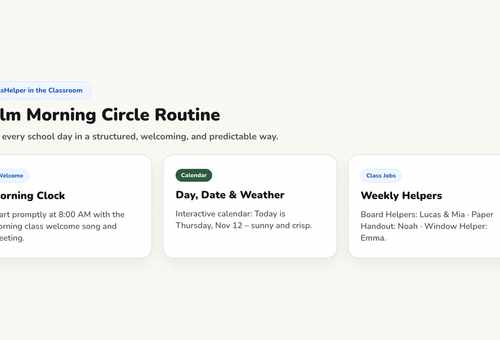
Start every morning with clarity. A shared board displays the date, student jobs, and your daily morning message. Children immediately know what to expect, creating calm transitions without repetitive announcements. Organize the routine with the Daily Schedule.
Line leader, board cleaner, paper passer: paper job charts tear easily and get forgotten over the weekend. Digital Classroom Jobs rotate automatically each week so every child knows their responsibility without asking.
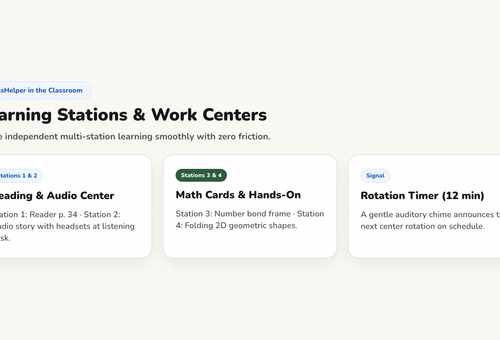
Young children perceive time visually rather than through numbers. An Hourglass emptying in front of the room makes ten minutes tangible. Early finishers can glance at the schedule to see what to do next.
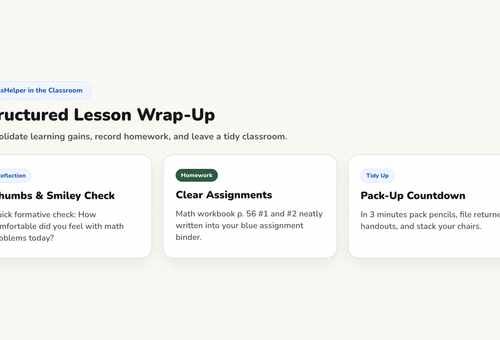
Open any template with a single click and customize it for your students without signing in.
Establish and display community norms
Quiet reading block with visual timer
Discussion agenda and speaking queue
Routines
How to start the day calmly without having to ask for quiet three times.
Classroom Management
Rules that students respect because they helped formulate and commit to them.
Methods
Visual time limits, clear assignments, and visual signals that keep the room peaceful.
ClassHelper is completely free to use: all tools and templates are unlocked, with no registration and no time limits. Premium costs $2.49 per month and adds multi-device folder sync, department sharing, and daily backups; your first month is free with no credit card required. For student teachers, Premium is permanently free with verification, and school licenses cost $1.49 per teacher and month after a 6-month free trial.
Student names and rosters remain stored locally in your browser cache and are never transmitted to any external server. We use Stripe Payments Europe (Dublin, Ireland) to process payments. Only billing data goes there, never student or lesson data.
Yes. ClassHelper runs in any modern web browser and adapts seamlessly to any resolution or projector ratio. No installation is required; simply bookmark the web page on your classroom computer.
No. The board is displayed at the front of the classroom and operated by the teacher. Students never need accounts, logins, personal data, or individual devices.
Find complete pricing information on our Pricing page, and review our privacy practices under Privacy Policy. School-wide licenses are detailed under ClassHelper for Schools.
The classroom tools remain the same across every grade level. What differs are the teaching methods and daily classroom routines they support.
First time using ClassHelper? Our digital whiteboard overview explains how ClassHelper supports daily classroom teaching, what features are included, and how data stays private.
One click, no sign-up, right in your browser.
Open Whiteboard