
Classroom Management
Classroom Management: What Works in Year One
Classroom management essentials: teacher presence, reliable routines, concise rules, and calm strategies to handle disruptions effectively.
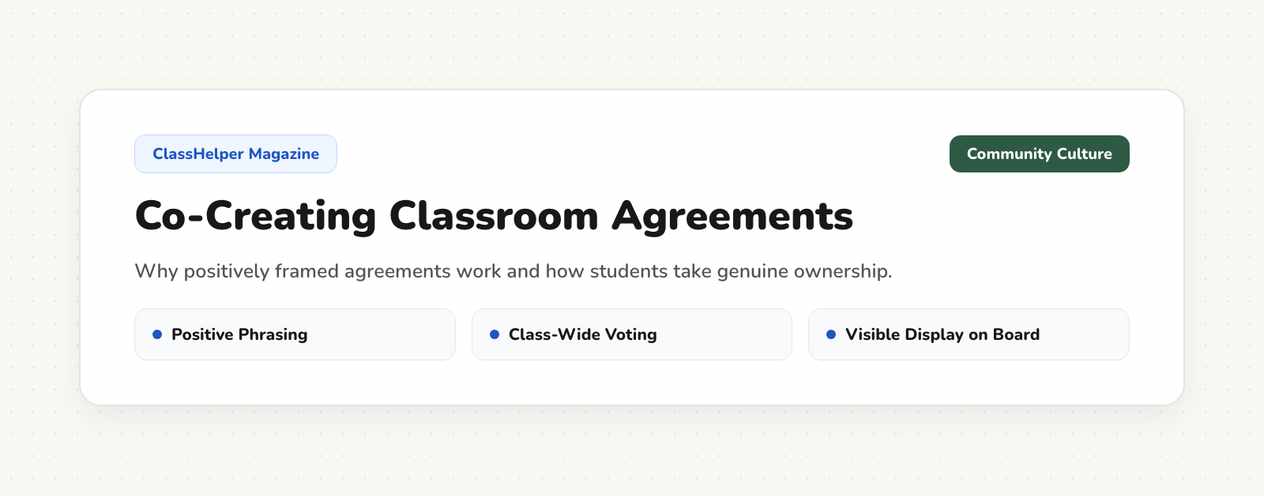
Classroom agreements work best when students know them thoroughly and can see them daily. This guide outlines how to distill student input into four or five clear guidelines and keep them visible throughout the school year.
Lengthy behavioral codes are rarely read. Keep the list concise and phrase each expectation positively using inclusive “we” statements, such as “We listen when someone else is speaking.” Avoid negative phrasing starting with “Don’t,” which highlights unwanted behaviors rather than positive actions.
Test every proposed rule with a simple question: could a second-grade student act out what this looks like? “We are responsible” fails this test because it is too abstract. “We pack our materials before leaving the room” passes immediately. The more concrete the expectation, the fewer debates you will have later about whether it was followed.
To display your finalized agreements, use the large text note tool. Type the phrases, arrange them cleanly across the board, and save your whiteboard layout. If you prefer a structured starting point, open the classroom rules template and customize the sample text.
Begin with an open brainstorming session: what do we need in this room so everyone can learn comfortably? Record all student ideas without initial judgment, including quirky suggestions. Next, group overlapping themes together and select the top five priorities for a class vote.
In larger classes, brainstorm in small groups first so quieter students have a voice. Three small teams drafting three ideas each before sharing with the whole class takes twenty minutes and produces much broader buy-in. Learn how to assemble groups smoothly in our guide on organizing effective group work.
Dedicate a full class period to this collaborative process. Taking time here pays dividends later because you can remind students of expectations they helped author. For new classes, schedule this during your first weeks as a new homeroom teacher.
A rule stored away in a binder does not influence daily behavior. Design your digital whiteboard layout so rules remain anchored along the edge of the screen while central lesson tasks change. Keeping a dedicated sidebar column open on the display provides plenty of space for five readable lines of text.
If you start each morning with a visual agenda, position your rules directly alongside the visual daily schedule. Students can see both elements at once: what we are accomplishing today and how we treat each other.
In primary classrooms, adding recognizable icons helps young learners grasp expectations before reading fluency develops. With secondary students, clean, professional text ensures agreements feel mature and respectful.
Point to the posted agreement rather than lecturing aloud. A non-verbal gesture de-escalates tension and frames your intervention as a reference to a shared commitment. If the same rule is broken repeatedly, the wording may be too vague or the preceding transition may need adjustment.
For low-profile non-verbal reminders, use the visual traffic light signal. Changing colors from green to yellow provides immediate feedback without interrupting your instruction. For more de-escalation strategies, read our guide on preventing and addressing classroom disruptions.
Set a calendar reminder to revisit your rules after the first quarter. Discuss with your students which agreements proved helpful and which were rarely needed. Retiring unnecessary rules keeps your expectations focused and shows students that classroom policies are meaningful living agreements.
A concise list of positively phrased agreements, created collaboratively and kept visible on screen, is all you need to start. The value comes from shared negotiation, not complex rulebooks.
Keep agreements prominently displayed where students already look. For ongoing discussions about class community, pair them with the classroom meeting template.
ClassHelper Editorial Team
The ClassHelper editorial team creates practical guides and lesson routines for teachers. Tool specifications and pedagogical strategies are tested directly in the digital whiteboard.
Classroom Management
Classroom management essentials: teacher presence, reliable routines, concise rules, and calm strategies to handle disruptions effectively.
Classroom Management
Why disruptions happen, how clear routines and silent visual cues prevent them, and how to respond calmly without interrupting the flow of learning.
Teaching Methods
How to divide groups fairly, assign clear roles, keep noise levels down, and display time limits on screen for smooth classroom group work.
One click, no sign-up, right in your browser.
Open Whiteboard