
Classroom Rules
Minimal rules with clear visual icons
For Special Education
Calm displays, predictable transitions, and low sensory load: ClassHelper structures the school day on your classroom projector. In your browser with no sign-up, hosted in Germany (EU) with no extra equipment.
Open Whiteboard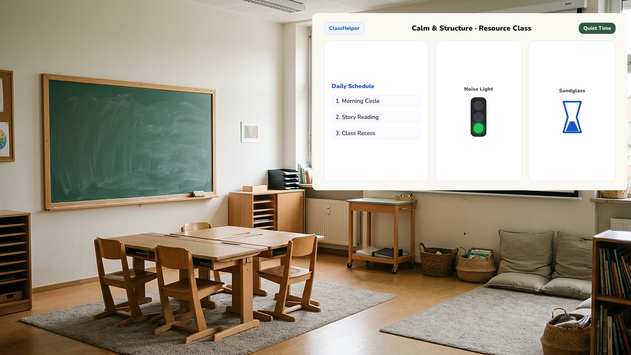
Predictable environments reduce anxiety. ClassHelper presents time, visual cues, and classroom routines in the exact same clear layout every single day.
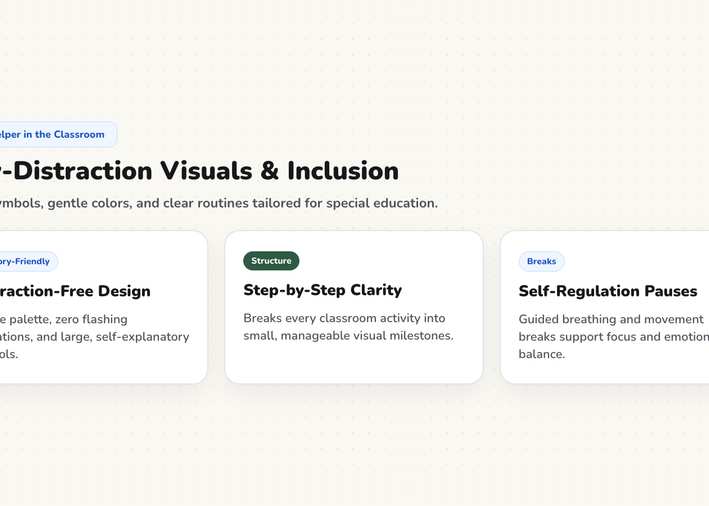
The visual hourglass shows duration as an area rather than abstract numbers. Students who do not read clocks can immediately see how much time remains.
The traffic light changes color when an activity concludes. Signal transitions quietly without loud bells or sudden vocal announcements.
The breathing break offers an expanding visual rhythm that helps the entire classroom re-center and de-escalate.
Every tool opens directly in your browser on your classroom screen, with no sign-up required.
A ticking digital number can trigger anxiety for students struggling with numeracy. The Hourglass displays time as a shrinking visual surface without digits. For extended periods, the Work Phase clarifies the expected focus.
Transitions are frequently the most stressful moments of the school day. The Traffic Light warns students of approaching changes with gentle colors before they happen. Pair it with the Noise Meter to maintain a peaceful environment.
The Daily Schedule sits in the exact same screen position every morning with consistent icons. This unwavering predictability relieves uncertainty before it arises and answers questions before students need to ask.
Templates feature large, minimalist elements designed for clarity and can be modified instantly without an account.
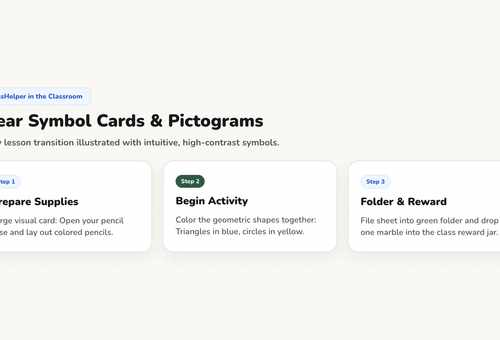
Minimal rules with clear visual icons
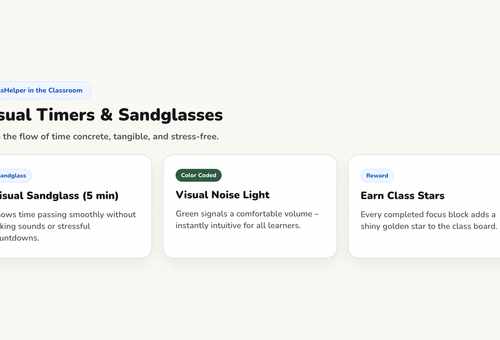
Predictable sequence for task stations
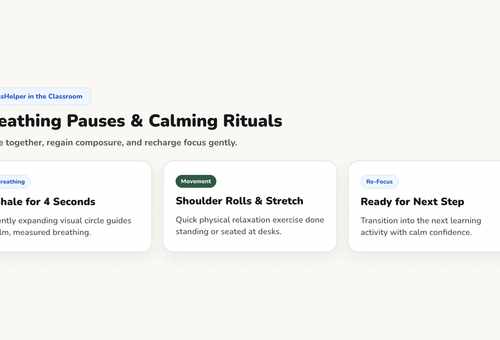
Gentle reflection and calm lesson end
Classroom Management
Proactive strategies that calm tension early rather than escalating conflict.
Methods
Visual timers, clear assignments, and visual cues that need no words.
Methods
Keeping transitions calm and swift by preparing students visually in advance.
ClassHelper is completely free to use: all tools and templates are unlocked, with no registration and no time limits. Premium costs $2.49 per month and adds multi-device folder sync, department sharing, and daily backups; your first month is free with no credit card required. For student teachers, Premium is permanently free with verification, and school licenses cost $1.49 per teacher and month after a 6-month free trial.
No student IEP details, diagnosis codes, or learning accommodations are ever collected, processed, or stored on our servers. We use Stripe Payments Europe (Dublin, Ireland) to process payments. Only billing data goes there, never student or lesson data.
Yes. You can customize every tool, mute sounds, and disable motion effects. ClassHelper automatically respects operating system preferences for reduced motion.
No. The microphone input is processed purely locally in your browser memory to measure relative amplitude. Audio is never recorded, saved, or streamed anywhere.
Find complete pricing information on our Pricing page, and review our privacy practices under Privacy Policy. School-wide licenses are detailed under ClassHelper for Schools.
The classroom tools remain the same across every grade level. What differs are the teaching methods and daily classroom routines they support.
First time using ClassHelper? Our digital whiteboard overview explains how ClassHelper supports daily classroom teaching, what features are included, and how data stays private.
One click, no sign-up, right in your browser.
Open Whiteboard